Best Free SEO Tools for Beginners | My Daily Toolkit
As a beginner, everything is hard. We look for different materials, alternatives, and suggestions from someone who is more experienced than us.
Similarly, I went through this phase when I was learning SEO.
I used to go through hundreds of materials to get insights and information. There, I noticed one similar pattern. Everyone was using or recommending SEO tools that were unaffordable for me.
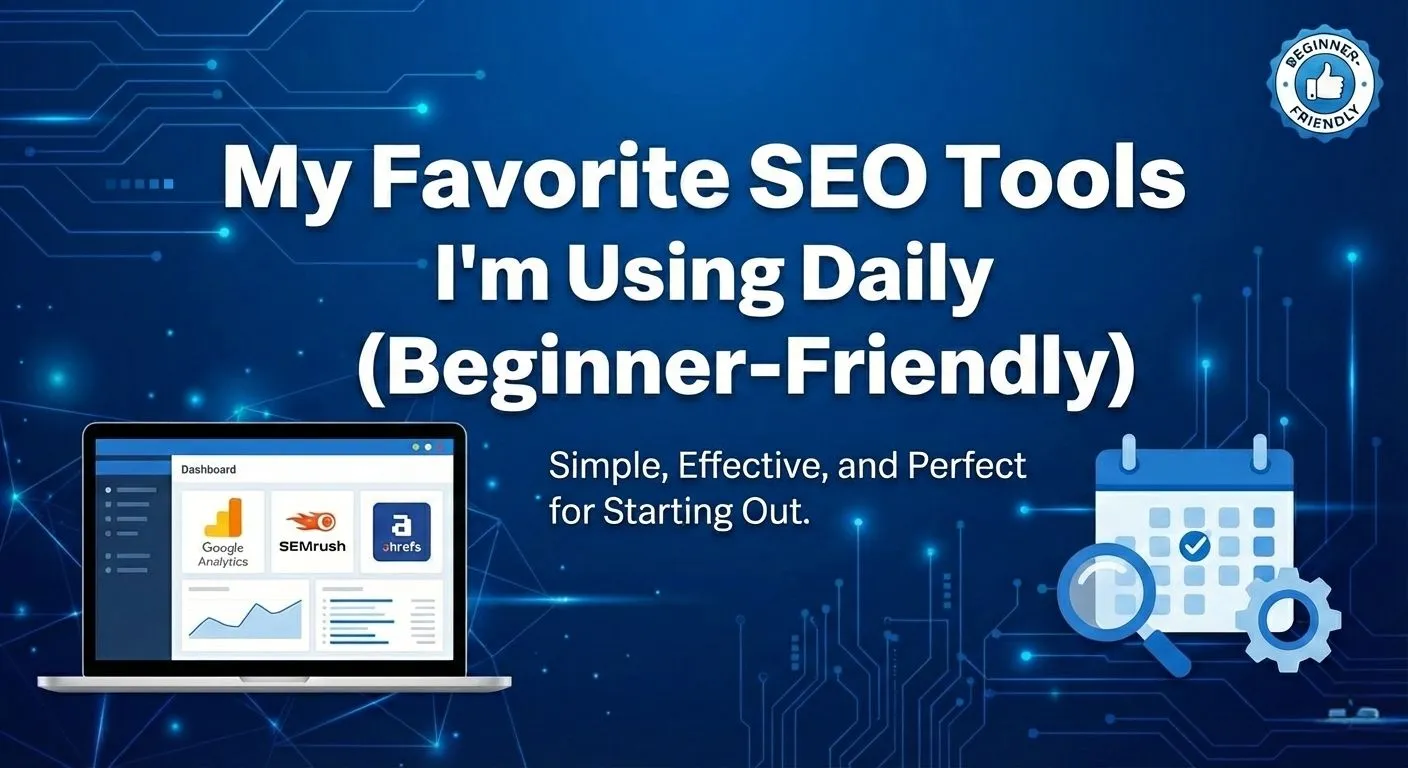
That made me think it was hard to compete in this industry with talented people without these expensive tools and premium subscriptions. But after spending some time exploring and using different tools, here are my go-to beginner-friendly SEO tools that are either free or incredibly affordable.
Before getting into the list, I want to be clear that I don't use every tool available, and I don't think others need to use every tool either. Every different goal requires solving different problems, and this blog aims to help you find the tools that can help you in that process.
Best Free Tools I'm Using for SEO
Google Search Console
Starting a new SEO? This is what you need and my first choice amongst others. Google Search Console, shortly we called it GSC, helps you to understand how your website performs in Google Search.
It gives you a clear idea about queries that bring an impression and clicks, which pages appear often in search results, and how your search performances are changing over time.
For example, if you post a new blog and want to know whether it is showing to your audience or not, you simply use GSC to check if it is or not. Clicks, Impression, average position and Click through rate (CTR) are the major metrics that you can see in this tool.
This is the reason why I included checking GSC as my daily ritual before starting working days and these are the things I look for:
- Checking clicks, impressions and search queries.
- Finding pages that are appearing in Google Search.
- Identifying opportunities to improve existing content.
- Checking whether a page is indexed and investigating indexing issues.
But there is one limitation that it doesn't tell you everything about your competitors or give you a complete keyword database. It primarily provides data about your own website's performance in Google Search.
Google Search
This is what most beginners or even experts (at least for sometimes) often overlook.
Google searches for something that validates whether your next SEO move is going to work or not.
Confused? Let's use this simple example.
Let's say I'm planning to write this article. I didn't immediately start writing on this topic just because I have a keyword in mind. I searched for this topic in google and examined the results.
Are the top-ranking pages lists of tools? Are they detailed comparisons? Do they focus on free tools or paid tools or tools for specific seo tasks?
These observations help me understand the types of content that might satisfy the intent match.
Not only this, this helps me with finding keywords that people mostly use for searching. This autocomplete suggestion and related searches also help me discover different ways people phrase their question and I can use those ideas to explore more related topics and decide which question deserves a place in the article.
Basically, you can use google search for:
- Exploring keyword ideas and related searches.
- Understanding search intent.
- Examining competing pages and their content angles.
- Finding questions and subtopics to cover.
Similarly, one limitation of this is it doesn't provide a complete keyword database with reliable search volume for each queries. It only assists you in understanding search results.
Google Keyword Planner
For a deep exploration of keyword data, I recommended using a Google Keyword Planner as a keyword research tool.
Although it is a part of Google Ads, you can use it to discover keyword ideas, examine estimated search volumes and get a clear understanding on how search demand varies across different keywords. Information from these tools helps you in planning organic SEO content.
However, there is one thing that you need to understand... it provides estimated search data, not a direct measurement of organic ranking difficulty. The search volume figures are intended for advertising research. The details available can depend on your Google ads account and campaign activity.
So, it's not recommended to decide whether a keyword is easy to rank or whether it brings valuable organic traffic by only relying on its number.
If you want an alternative: Ubersuggest and Semrush are my go through tools for additional keyword research features, including different metrics and competitor research capabilities. I personally use a free version which gives me limited options for exploration, but yet, it has worked better for me.
Smart use: Get ideas and estimation from keyword planner and for detailed view: use those alternative tools.
Screaming Frog SEO Spider
Another tool with Free and premium options is Screaming Frog.
This website crawler helps you find broken links, redirect, missing meta data and crawlability. Overall all technical things that can damage your overall SEO.
How does this work? Firstly it crawls your website and collects information about URLs, page titles, meta descriptions, response codes, links and other elements. From this, you can inspect into your website and solve those common issues.
Ahrefs
For a backlinks profile analysis, I mostly use Ahrefs tools to learn. It offers free SEO tools and limited data for verified websites. Depending on the features, you can use them to examine backlinks, inspect aspects of your website and identify potential SEO issues.
Those in the learning phase can use it to understand backlink and technical website health fit into a bigger picture. But one thing to remember, free access is not the same as a full Ahrefs subscription. Data and features are limited, and you may need a paid plan for more extensive competitor research or larger-scale analysis.
ChatGPT
In the era of AI, you cannot afford to ignore it whether you're a beginner or an expert. I definitely use AI tools to support part of my SEO workflow, particularly when planning content or trying to look at a topic from a different perspective.
You can even use it to brainstorm possible angles, organize your initial research, identify questions readers might have and develop a rough content outline.
But relying on its first answer as a final content strategy is the wrong approach that Google one day can punish you.
You still need to examine the search results, verify factual claims and decide whether the structure makes sense for the topic or not.
I find it more useful as a thinking partner than as a replacement for thinking.
Recommended Read: SEO Shortcuts I Regret: AI Content & Backlink Mistakes
Grammarly and Canva
Not every tool in my workflow performs SEO analysis directly. Some help me in preparing the content for publication.
Grammarly can help identify grammar issues and improve sentence clarity, while Canva is useful for creating blog banners and other visual assets.
I see these as supporting tools rather than essential SEO tools. A well-designed banner doesn't automatically improve rankings, and polished grammar doesn't guarantee that an article satisfies search intent. But both can help me produce a more presentable final piece.
What I use them for:
- Grammarly for proofreading and improving readability.
- Canva for blog banners and simple graphics.
- Preparing content for publication.
How I Combine These Tools in my SEO Workflow
The real value of tools comes from when to use each one.
I barely open all these tools every time for SEO tasks. The workflow depends on the task I'm trying to complete.
If I'm writing a new article, I'd start by searching google to understand the topic and the intent behind it. If I need more keyword data, I'd explore suggestions and estimates in Google Keyword Planner. I can then use ChatGPT to help organize my ideas before developing the article in my own voice.
Oftentimes I use ChatGPT or Claude to assist on content writing as well, but I only use them for brainstorming. Human touch is necessary!!!
After publishing, Google Search Console is used for indexing and monitoring if the pages are appearing in search and how people are interacting with it.
For any technical finding, I use a screaming frog. It helps me inspect technical and on-page elements issues. Not every task requires every tool, and I wouldn't use a tool just because it's available.
The important thing is to understand the question you're trying to answer first. Then choose the tool that can help you answer it.
Do You Need Paid SEO Tools as a Beginner?
Honestly, I don't think paid SEO tools should be your first concern when you're learning SEO.
Free tools can help you understand search intent, monitor your website's performance, explore keyword ideas and identify common technical problems. That's already a solid foundation.
Paid tools become worth considering when you repeatedly encounter a limitation that affects your work. Maybe you need more keyword reports, deeper competitor analysis, larger website crawls or more extensive backlink data.
Even then, I'd ask myself what problem the subscription solves before paying for it.
You don't need to subscribe to every popular tool to start learning SEO. You need to understand the fundamentals, practice using the information available to you and gradually identify where additional data would genuinely help.
Conclusion
Learning SEO can feel overwhelming when you're surrounded by recommendations for expensive tools and subscriptions. I went through this phase too.
But one thing I learned is that tools are there to support the work, not replace the understanding behind it.
Start with what you can access, learn how to interpret the information and get comfortable applying it to a real website. As your work grows, you'll have a better idea of which paid features are actually worth considering.
You don't need the most expensive toolkit to start learning SEO. You need a reason to use each tool and the willingness to learn from what you find.
Want help with your project? Get in touch .