10 SEO Mistakes I Made as a Beginner (And How to Fix Them)
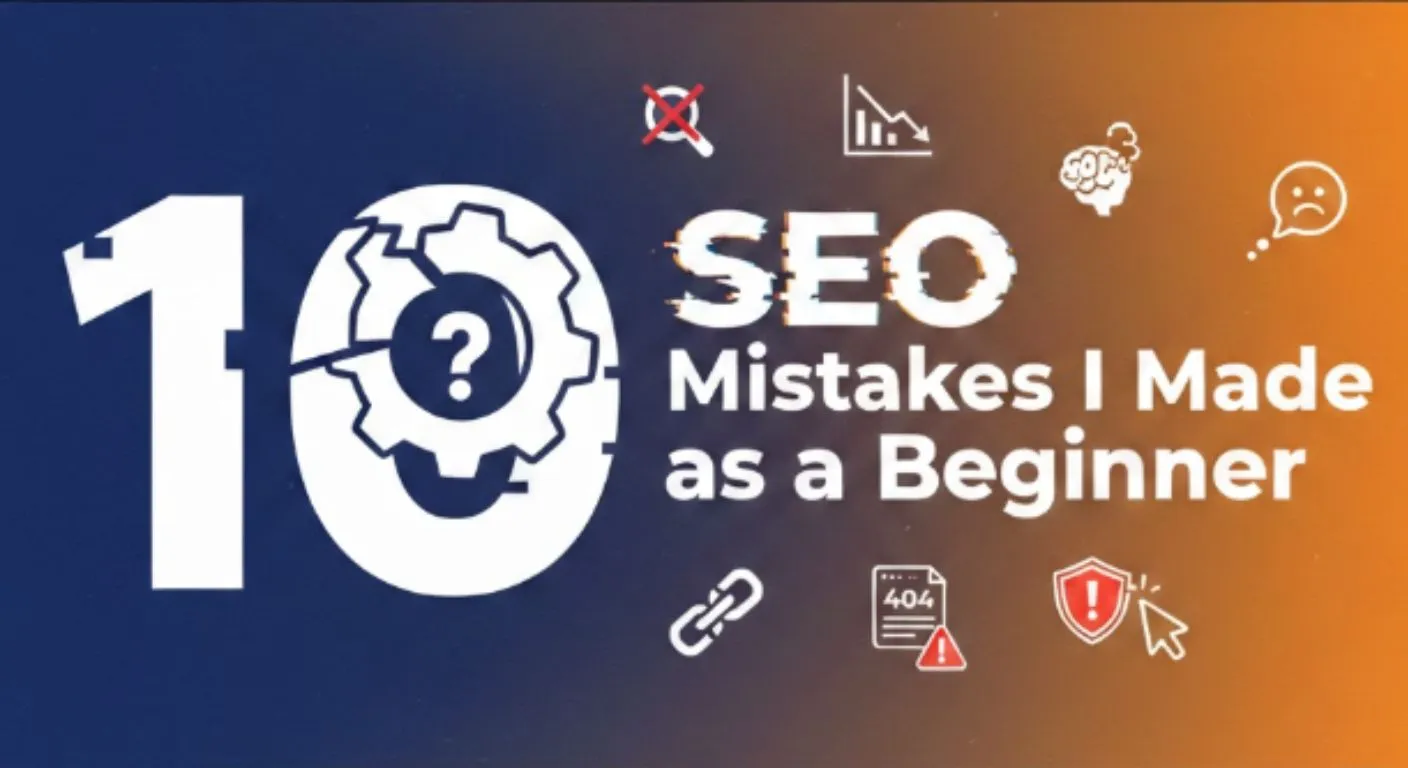
Table of Contents
- 1. Building 30 Backlinks in One Day
- 2. Keyword Stuffing in Local SEO
- 3. Ignoring Image Alt Text and File Names
- 4. Zero Strategy in Keyword Research
- 5. Writing Content for Search Engines, Not Humans
- 6. Misusing Google Business Profile Posts
- 7. NAP Inconsistency Across Citations
- 8. Wrong Redirect Strategy
- 9. Uploading Compressed Images for Local SEO
- 10. Ignoring Service Area Descriptions
- Final Thoughts
If you see in the SEO industry, there are thousands of uncertified SEO gurus who just wait for you to come and listen to their unverified expertise.
It's hard, especially for beginners like us.
…and we don't have any choice either. What they share, we have to believe it as if it were true…
Which is where we make mistakes.
In fact, making these mistakes in the foundation reflects as wasted time, energy, and money as well. Or maybe a waste of a career!
When you grow up, experiment with learned things, and analyze your SEO work, you can identify the mistakes, but it might be too late.
If you have someone to guide you, then it'll be much easier. But what if you don't?
That's exactly what I went through.
Yet, lots of mistakes need to be identified. Here's the list I detected early in my career and found solutions that I guess are fueling up SEO results now.
1. Building 30 Backlinks in One Day
Sounds weird, but we were assigned to do 30 backlinks in one day. Sometimes in 2 hours… OOPS, did I mention something?
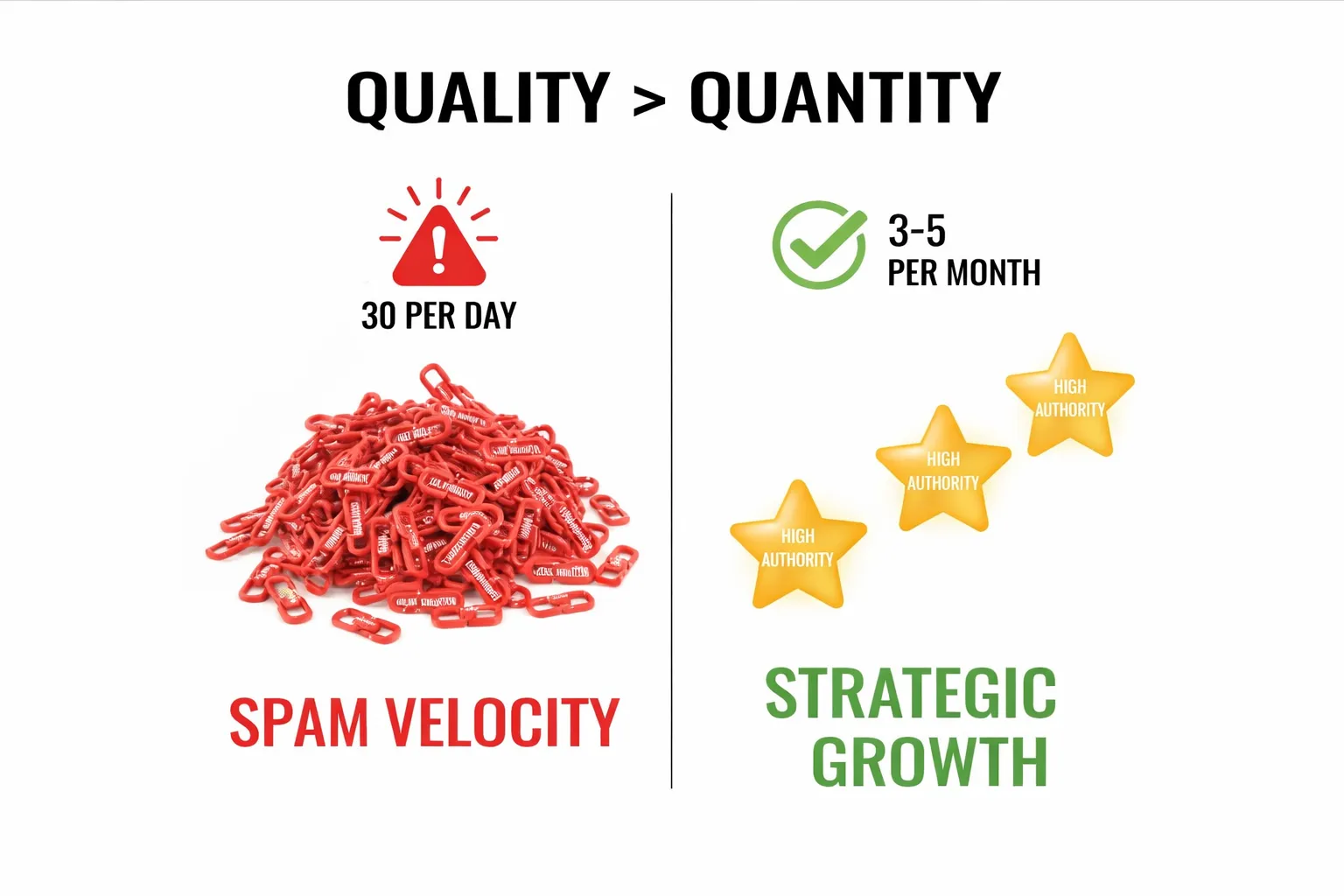 Imagine the quality we could get in one day. If I look at a backlink profile now, barely 10 backlinks have been listed in the past 8 months.
Most of these were article submissions, directories, and bookmarks with low to medium DA and PA. The worst part? I wasn't even questioning the quality of these links. I was just following the organizational culture blindly.
Here's what I didn't understand back then: Google's algorithm is smart enough to detect unnatural link velocity. When a website suddenly gets 30 backlinks in a day, especially from low-quality sources, it sends a red flag. Natural backlinks are earned over time through quality content, not built in bulk batches.
The links I was building were mostly on spam directories that had no relevance to our niche. Some had spam scores of 50-60%. I was literally hurting our SEO instead of helping it.
The Fix: Build 3-5 quality backlinks per month instead of 30 spam links in a day. Focus on relevance over quantity. One quality backlink from an authoritative site in your niche is worth more than 100 directory submissions. Look for guest posting opportunities, create link-worthy content, and build relationships with other websites in your industry.
2. Keyword Stuffing in Local SEO
Keyword stuffing is one of the major mistakes I was making in every single part of SEO. From content/blog to local SEO, everywhere I was using unnecessary, unnatural primary keywords throughout the platforms.
For local SEO, I was assigned to add a primary keyword in the business name. For instance, if my business is Conic SEO, then I'd add "Conic SEO - Best SEO Agency in [Country Name]." Similarly, in company descriptions, I added primary keywords as secondary keywords unnecessarily and unnaturally!
I even asked clients to reply to reviews by adding keywords into them, which is a direct source for stuffing.
The Fix: Write about the business, their offerings, and the value they provide to customers. Keep it natural and user-focused.
3. Ignoring Image Alt Text and File Names
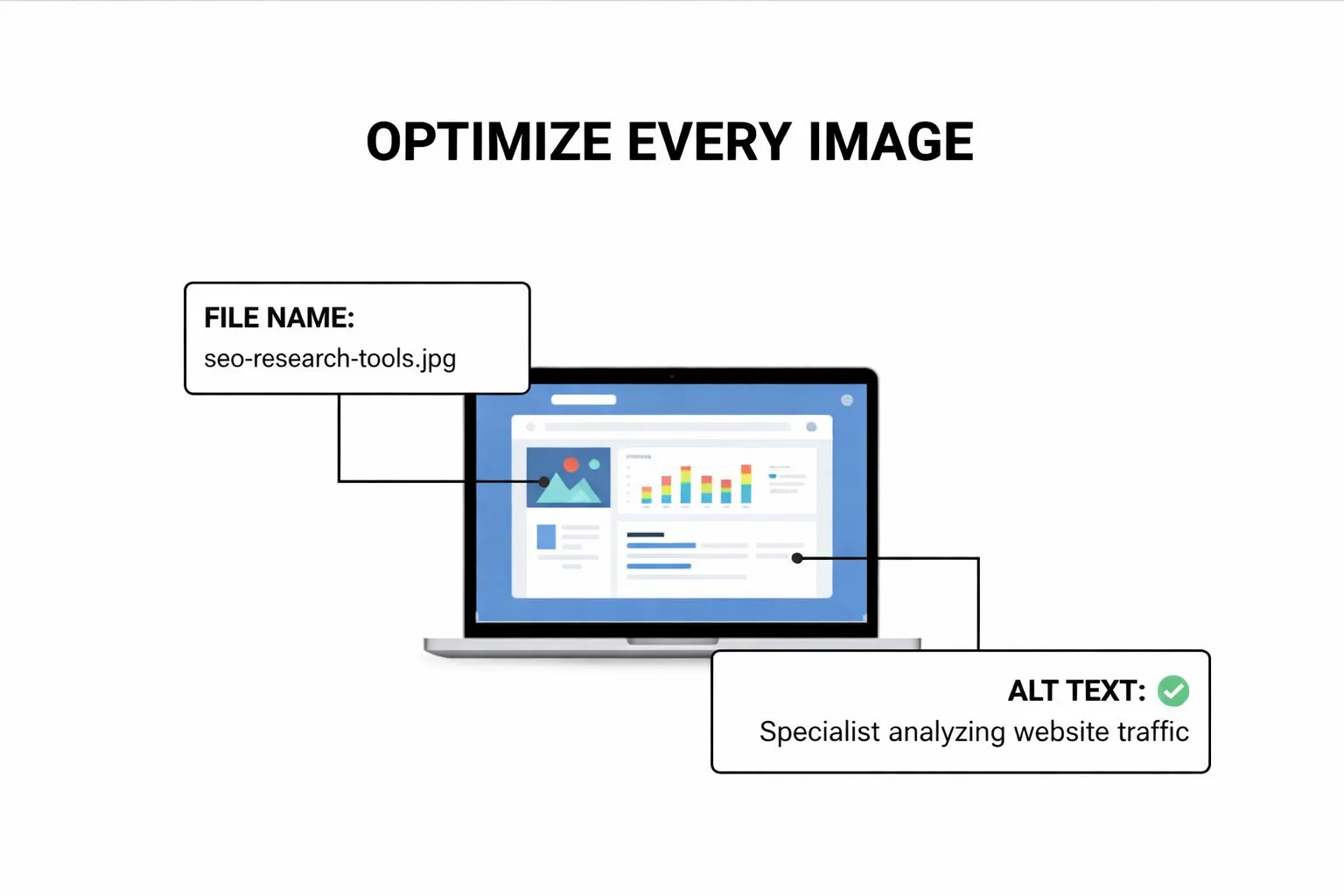
When I was first assigned to audit images, I noticed "alt text missing" in Screaming Frog and needed to add alt text on each image.
For this, what I did was totally ignore the context of the image and instead write whatever came to mind. Sometimes I'd write "image1," "pic," or just random text that had nothing to do with what was actually in the image.
I didn't understand that alt text serves two critical purposes: accessibility for visually impaired users who use screen readers, and SEO value by telling search engines what the image contains.
I also completely ignored image file names. I'd upload images with names like "IMG_20230415.webp" or "Screenshot_2023.webp" without renaming them to something descriptive. This was a missed opportunity for SEO every single time.
The Fix: Write descriptive, relevant alt text that describes what's actually in the image. Include keywords naturally where they fit, but prioritize accessibility and context.
For example, instead of "image1," use "SEO specialist analyzing website traffic data on laptop." Also, rename your image files before uploading them. Instead of "IMG_1234.webp," use "seo-keyword-research-tools.webp."
4. Zero Strategy in Keyword Research
 SEO and keywords are non-separable, thus a different strategy is required. But my strategy? It was worse than ever.
Imagine you did all the keyword research from ChatGPT. You totally ignore volume, difficulty, and are still waiting for ranking. Absolutely nonsense.
I would literally ask ChatGPT, "Give me keywords for SEO agency," and whatever it spit out, I'd target those keywords without checking if anyone was actually searching for them or if they were impossible to rank for.
I had no idea about search volume, keyword difficulty, search intent, or competitive analysis. I was shooting arrows in the dark hoping one would hit the target.
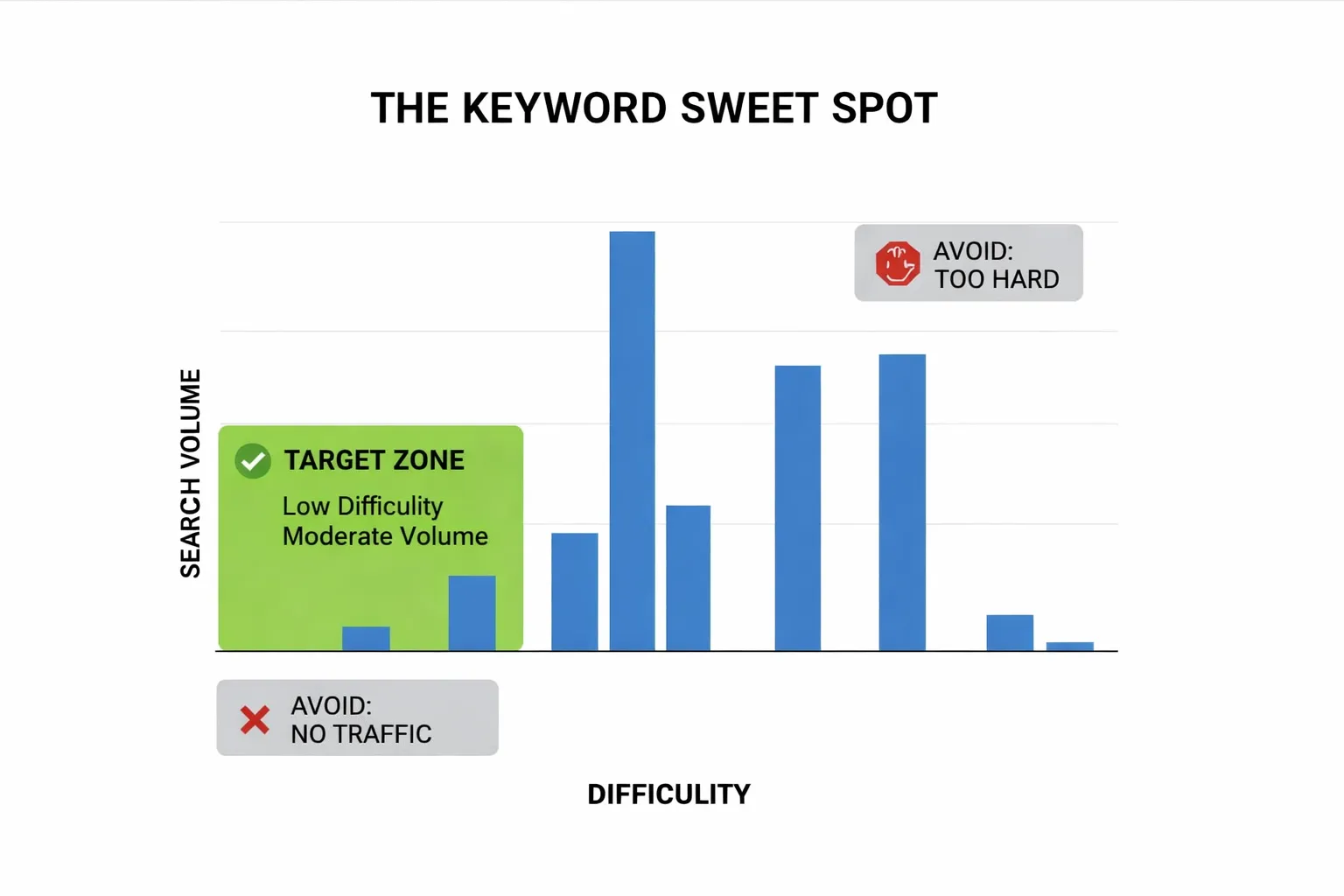
Sometimes I'd target keywords with 10 searches per month thinking they were great opportunities. Other times I'd go after keywords with 100,000+ difficulty that would take years and massive budgets to rank for.
The Fix: Use proper keyword research tools like Ahrefs, SEMrush, Ubersuggest, or even free tools like Google Keyword Planner.
Analyze search volume (aim for at least 100-500 searches per month as a beginner), keyword difficulty (target low to medium difficulty keywords), and search intent (what is the user actually looking for?). Look at what your competitors are ranking for and find keyword gaps you can fill.
5. Writing Content for Search Engines, Not Humans
Quick question: How many primary keywords do you use in your content? Let's say the content is 1000 words.
4, 5?
I used to use around 14-15, along with 2-3 secondary keywords each.
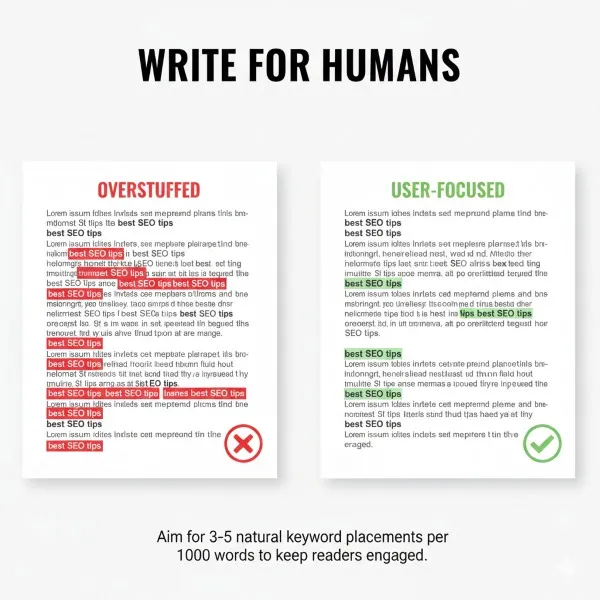
I regret how much it sounds unnatural and overstuffed and might have irritated my viewers if they'd read it. Every other sentence had the primary keyword forced into it. The content read like: "If you're looking for the best SEO agency, our SEO agency provides SEO services that make our SEO agency the top SEO agency in the region."
It was painful to read. I was so focused on pleasing Google's algorithm that I forgot the most important ranking factor: user experience.
Writing this kind of content won't provide as much value as normal content. People would land on the page, see the awkward keyword stuffing, and immediately bounce. High bounce rates signal to Google that your content isn't satisfying user intent, which hurts your rankings.
Thankfully, the 2025 update didn't hit the site and penalize us for third-class content, but it was only a matter of time.
The Fix: Use 1 primary keyword naturally 3-5 times in 1000 words. Focus on writing for humans first, optimize for search engines second.
Write naturally, answer the user's question thoroughly, and use synonyms and related terms instead of repeating the exact keyword over and over. If it sounds awkward when you read it out loud, it's probably over-optimized.
6. Misusing Google Business Profile Posts
You might be familiar with GBP posting, where you give updates about your business, events, and any offers the business is providing. But what I was doing was just promoting blogs and stuff, pretending it was like social media.
I was wrong because I never gave actual updates that would be helpful for people and algorithms, instead creating negative performance metrics. By the way, I was doing what was taught to me!
The Fix: Post genuine business updates—new services, special offers, events, store hours changes. Make it valuable for local customers.
7. NAP Inconsistency Across Citations
Imagine you're doing local SEO and updating a unique name on each local citation and directory, and you see no actual results throughout the years. This happens when your NAP (Name, Address, Phone) is inconsistent and you're deprived of getting real authority from Google.
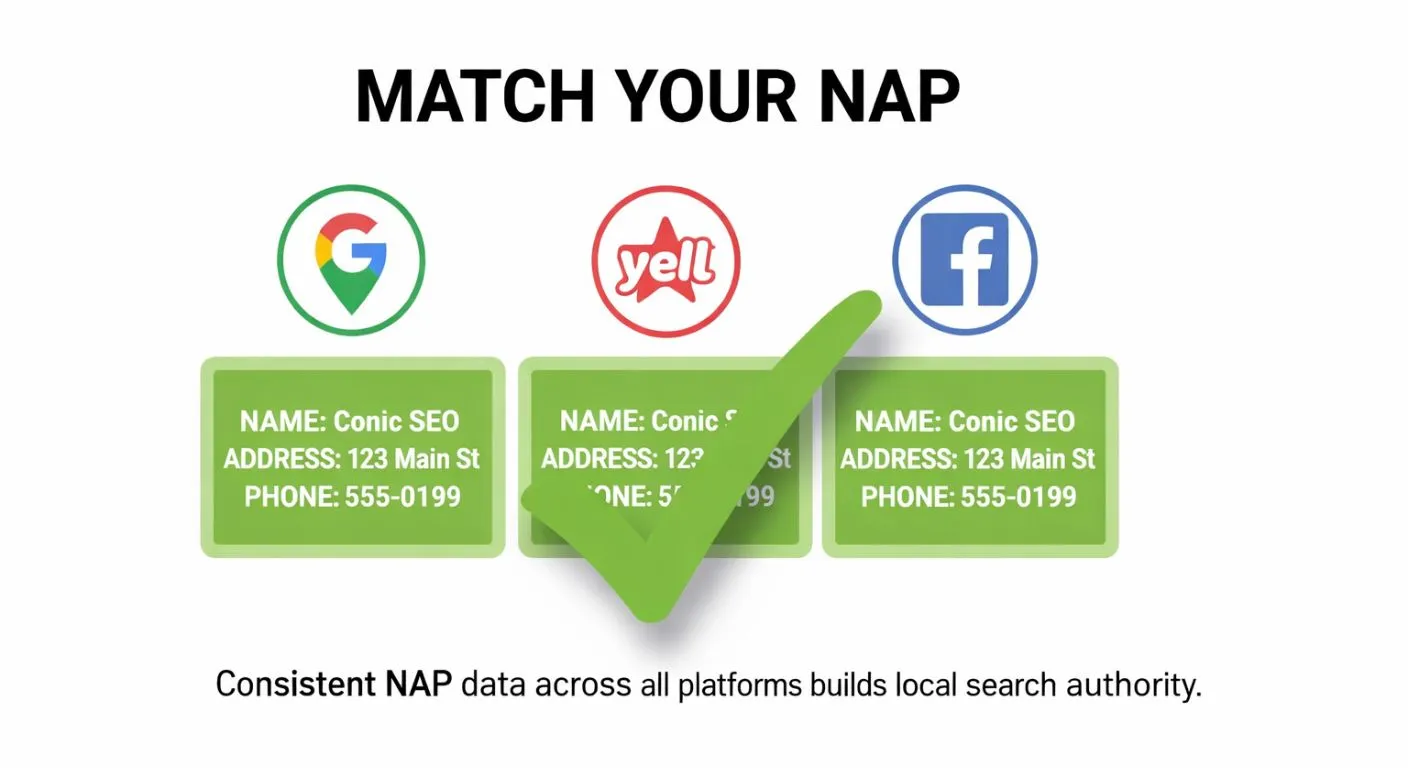
The Fix: Keep your NAP identical across all platforms—Google Business Profile, Yelp, Facebook, directories, everywhere.
8. Wrong Redirect Strategy
When I first joined an agency, the first thing I asked was about redirects. And what I was taught is, if the 404 URL is related or has some relation with a present URL, then I should redirect to that page, and if there is no relation, then I can simply redirect to the home page. Seriously!
So I started redirecting every broken page to the homepage. Someone looking for "/blog/content-marketing-tips" would end up on the homepage if that page was deleted. Talk about a terrible user experience.
Then what's the point of 410 status codes? What about letting irrelevant 404s just be 404s with a helpful error page?
This mistake might have increased the chances of redirect errors and frustrated users who were looking for specific content. Google also doesn't like when you redirect unrelated pages to your homepage—it looks manipulative and can waste crawl budget.
The Fix: Only redirect 404 pages to relevant, closely related pages. If someone is looking for a blog post about "keyword research" that you deleted, redirect them to your most relevant current article about keyword research, not your homepage.
If no relevant page exists, let it be a proper 404 page with helpful navigation options, or use 410 for permanently removed content. Don't redirect everything to the homepage—it's lazy and hurts user experience.
9. Uploading Compressed Images for Local SEO
"Images should be compressed before publishing on a website, otherwise it slows down the website"—this is what I learned early on, thus I assumed it would apply in local SEO too.
For every image upload, I used to compress it to approx. 100KB and upload to the photos section. Likewise, there was no consistency in publishing images. (Update, ignore for months, and come back to publish.)
The Fix: Upload quality images for Google Business Profile. They help with ranking in local pack and attract more customers. Aim for high-resolution images (at least 720px wide, ideally 1080px or higher) that showcase your business, products, services, and team. Compress for websites to improve load speed, but maintain quality for GBP. Post photos regularly and consistently—aim for at least 2-3 new photos per month to show your business is active.
10. Ignoring Service Area Descriptions
Service area description is one of the important things to upload for describing core business offerings, but I was so stupid that I wasn't writing anything related to this. This might have cost the listing of the business on top when relevant terms were searched.
The Fix: Add a relevant description about service offerings without stuffing keywords. Be clear, helpful, and specific.
Final Thoughts
These are my top 10 mistakes I was making at the beginning of my SEO career. With time, I've figured out what is right and wrong from my own experience and hit-and-trial approach.
I might be making more mistakes in the present, thinking that I'm doing well. No, I won't say I'm doing right even in this period.
Newbies make mistakes, so do I. The key is identifying them early and correcting course before they cost you (or your clients) rankings, traffic, and money.
If you're making similar mistakes, don't worry. Now it's time to correct them and go for higher rankings. Learn, adapt, and keep improving, that's what SEO is all about.
Further Read: What Happens When Search Intent Matches
Want help with your project? Get in touch .