SEO Fixes That Hurt My Rankings (What I Learned)
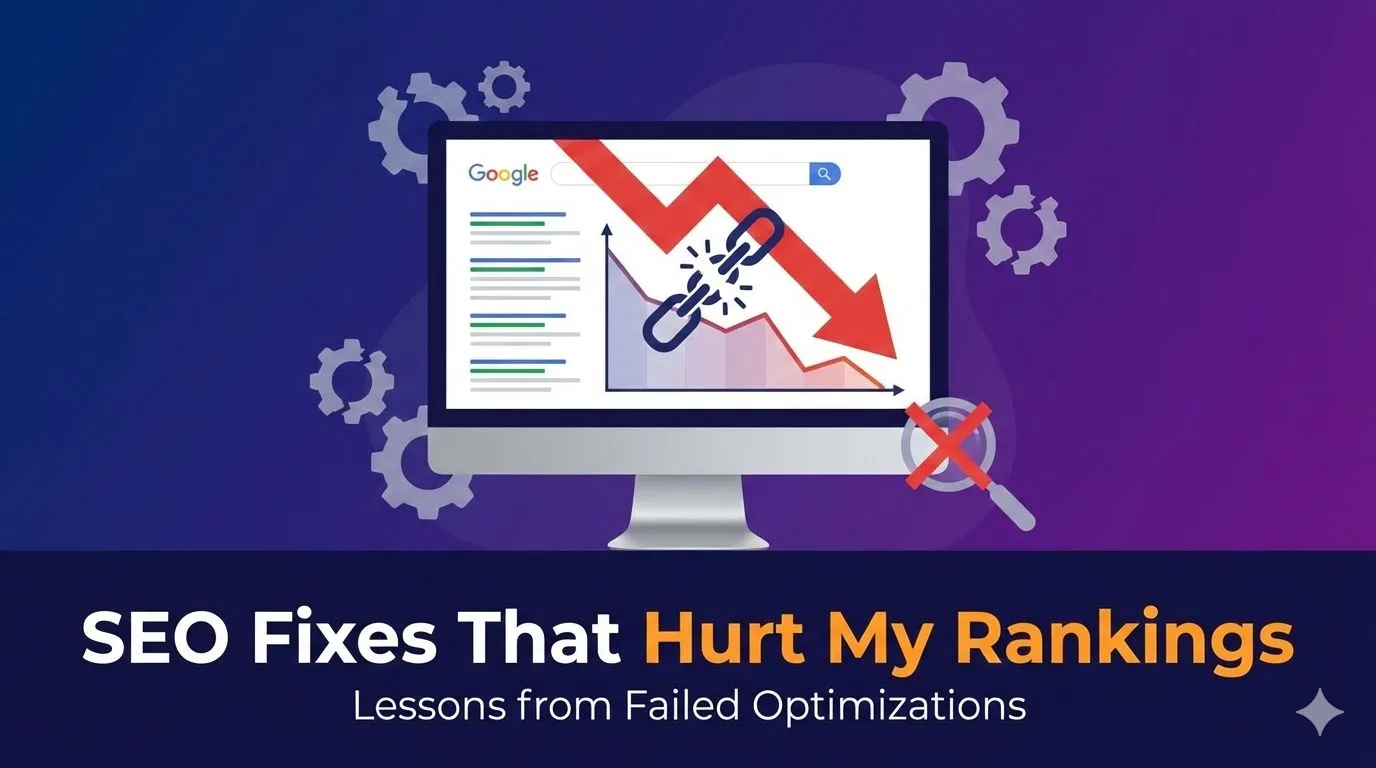
Imagine having thousands of 404 errors on your site. Now imagine trying to fix them all without any plan.
That's exactly what I did. And guess what? I created a whole new mess.
The 404 Error Nightmare
When I first saw 1000s of pages throwing 404 errors in Google Search Console, I panicked. My immediate thought was simple: fix everything, fix it now.
I started redirecting URLs left and right. No strategy. No thinking. Just mass redirections to random pages that seemed "related enough."
Within weeks, I had a new problem staring at me in GSC: "Page Redirect Error."
This is what I mean when I say fixing SEO can make things worse.
The Question I Should Have Asked First
Here's what I learned the hard way: before solving any 404 error, ask yourself one critical question.
"Do I actually need this page?"
It sounds obvious now, but when you're in panic mode, common sense goes out the window.
There are two main reasons you're seeing 404 errors:
- Actual broken links – Pages you removed from your site that still have backlinks or internal links pointing to them
- Infected pages – Hacker-added URLs that got listed in your 404 error report
The second type? Don't waste your time. Google Search Console will eventually remove those on its own. Seriously, ignore them.
But that first type? That's where you need a proper strategy—something I wish I'd known when I was making all these beginner SEO mistakes.
How to Actually Fix 404 Errors Without Screwing Up
When dealing with genuine broken links, I now follow a simple process:
Ask: How valuable was this page?
If the page had decent traffic, rankings, or quality backlinks, find the most relevant replacement page and do a 301 redirect.
If the page was worthless or outdated content you intentionally removed? Use a 410 redirect instead.
I use Rank Math for this. A 410 tells search engines "this page is permanently gone, stop looking for it." It prevents the redirect chains that kill your site's performance.
This one change helped me avoid creating those messy redirect errors I mentioned earlier.
What "Fixing SEO" Should Actually Look Like
Here's my current approach when I need to fix SEO issues:
Step 1: Identify the real problem (not just symptoms)
Step 2: Ask if fixing it could create new problems
Step 3: Make a plan before touching anything
Step 4: Test on a few pages first
Step 5: Monitor results in GSC
This sounds basic, but I learned it after making these mistakes. Sometimes the best lessons come from screwing up first.
The biggest shift in my thinking? Understanding that SEO isn't about quick fixes. It's about making strategic decisions based on actual data and user experience.
Frequently Asked Questions
What should I do with 404 errors in Google Search Console?
First, identify if they're legitimate broken links or hacker-injected URLs. Ignore the hacker URLs—Google will remove them over time. For real broken links, decide if the page had value. If yes, create a 301 redirect to the most relevant page. If no, use a 410 redirect for permanent removal.
How do I know if I'm keyword stuffing my content?
Read your content out loud. If it sounds repetitive, awkward, or robotic, you're probably stuffing keywords. A good rule: if you're counting keyword appearances, you're thinking about it wrong. Focus on writing naturally for readers first, then ensure your primary keyword appears in key locations (H1, opening paragraph, conclusion).
Can fixing SEO issues make my rankings worse?
Absolutely. Poor redirects create redirect chains that slow your site. Mass changes without testing can break your site structure. Keyword stuffing to "fix" optimization actually hurts readability and rankings. Even backlink mistakes made with good intentions can damage your authority. Always have a plan, test changes incrementally, and monitor results in Google Search Console before making site-wide changes.
What's the difference between 301 and 410 redirects?
A 301 redirect tells search engines "this page moved permanently to a new location." Use this when you want to preserve the page's value and redirect users to relevant content. A 410 redirect tells search engines "this page is permanently gone, stop looking." Use this for pages you intentionally deleted that had no value worth preserving.
How long does it take to see results after fixing SEO errors?
It depends on how often Google crawls your site and how significant the changes were. For 404 fixes and redirects, you might see updates in GSC within 1-2 weeks. Always request reindexing in GSC after making significant changes to speed up the process.
Want help with your project? Get in touch .